Nautilus / Nemo: Missing Image Previews on Linux [SOLVED]
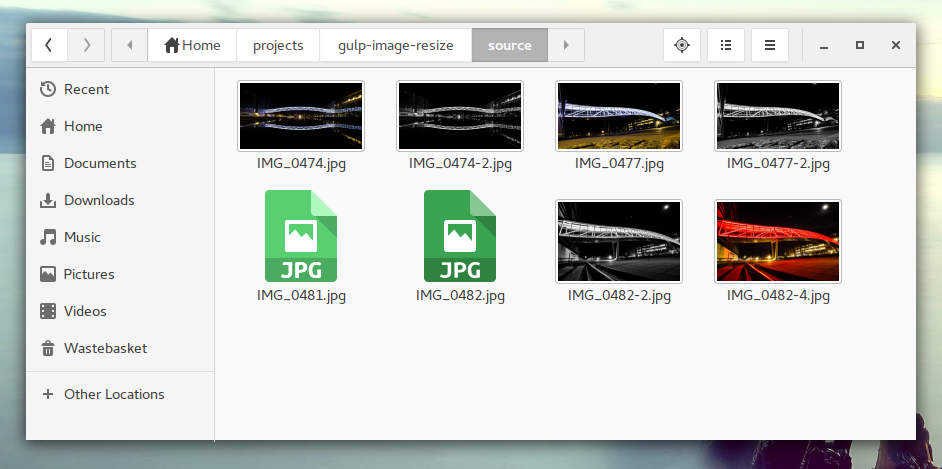
A default limit to image files like .jpg, .png and similar causes Gnome Desktops not to generate image previews for them on Linux. If an image is larger than 10 MB, no preview will be displayed, but the default image icon. Here's how to fix it:
In order to change the thumbnail generation limit you either can open the Preferences in Nautilus or Nemo in Gnome and Cinnamon. If you have no option to access that, you can install the dconf-editor.
Here's how some of my image directories looked when a JPG file was larger than 10MB:
On Ubuntu, Linux Mint and other debian derivatives that can be done with:
apt-get install dconf-editor
On Arch Linux / Manjaro / Antergos you can use (or another AUR/package wrapper)
pacaur -Sy dconf-editor
After opening the dconf-editor you need to find the following path:
org / gnome / nautilus / preferences / thumbnail limit
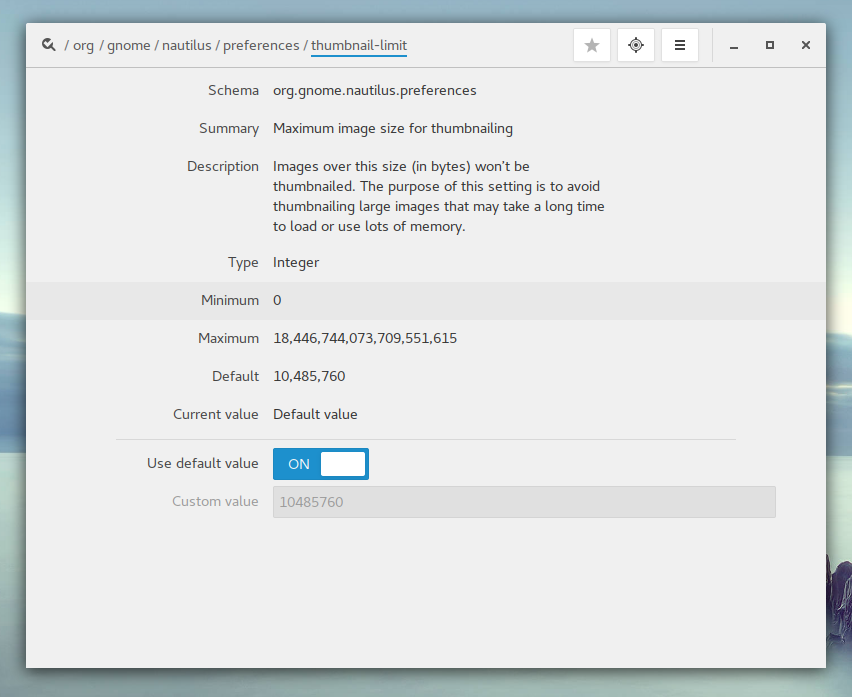
Depending on your settings, you can either double the number (to 20MB) or just append a 0 to the value to raise it to 100 MB.
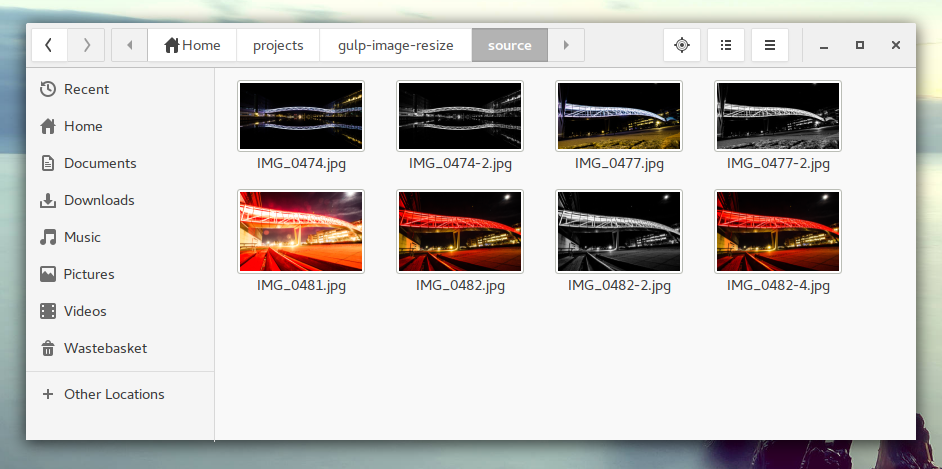
After that your thumbnails up to 100 MB should be displayed correctly in Nautilus: