Published: , by Jonathan M. Hethey,reading time: ~2 minutes
Python and Pip venvs for Externally Managed Environments
I was trying to install a python package recently to run the meshtastic CLI to talk to one of my freshly acquired LoRa radios.
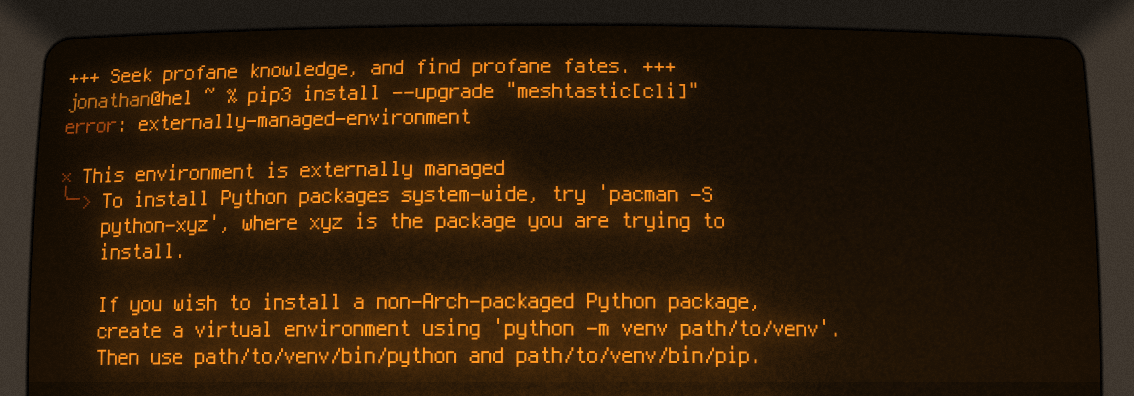
I rarely touch python for anything, so to my suprise the recommended command from the meshtastic website resulted in an error:
pip3 install --upgrade "meshtastic[cli]"
# output
error: externally-managed-environment

× This environment is externally managed
╰─> To install Python packages system-wide, try 'pacman -S
    python-xyz', where xyz is the package you are trying to
    install.

    If you wish to install a non-Arch-packaged Python package,
    create a virtual environment using 'python -m venv path/to/venv'.
    Then use path/to/venv/bin/python and path/to/venv/bin/pip.

    If you wish to install a non-Arch packaged Python application,
    it may be easiest to use 'pipx install xyz', which will manage a
    virtual environment for you. Make sure you have python-pipx
    installed via pacman.

note: If you believe this is a mistake, please contact your Python installation or OS distribution provider. You can override this, at the risk of breaking your Python installation or OS, by passing --break-system-packages.
hint: See PEP 668 for the detailed specification.
On Arch Linux, you can use the following to still install the package as apparently python packages can be managed via the built in package manager:
pacman -S python-meshtastic
However, you can also create a virtual environment as the error message suggests by using:
python -m venv my_venv
./my_venv/bin/pip3 install --upgrade "meshtastic[cli]"
Lastly you can run your newly acquired executables with
./my_venv/bin/meshtastic
Alternatively you can add this python virtual environment to the path in your .bashrc or .zshrc file:
/home/jonathan/projects/meshtastic/my_venv/bin